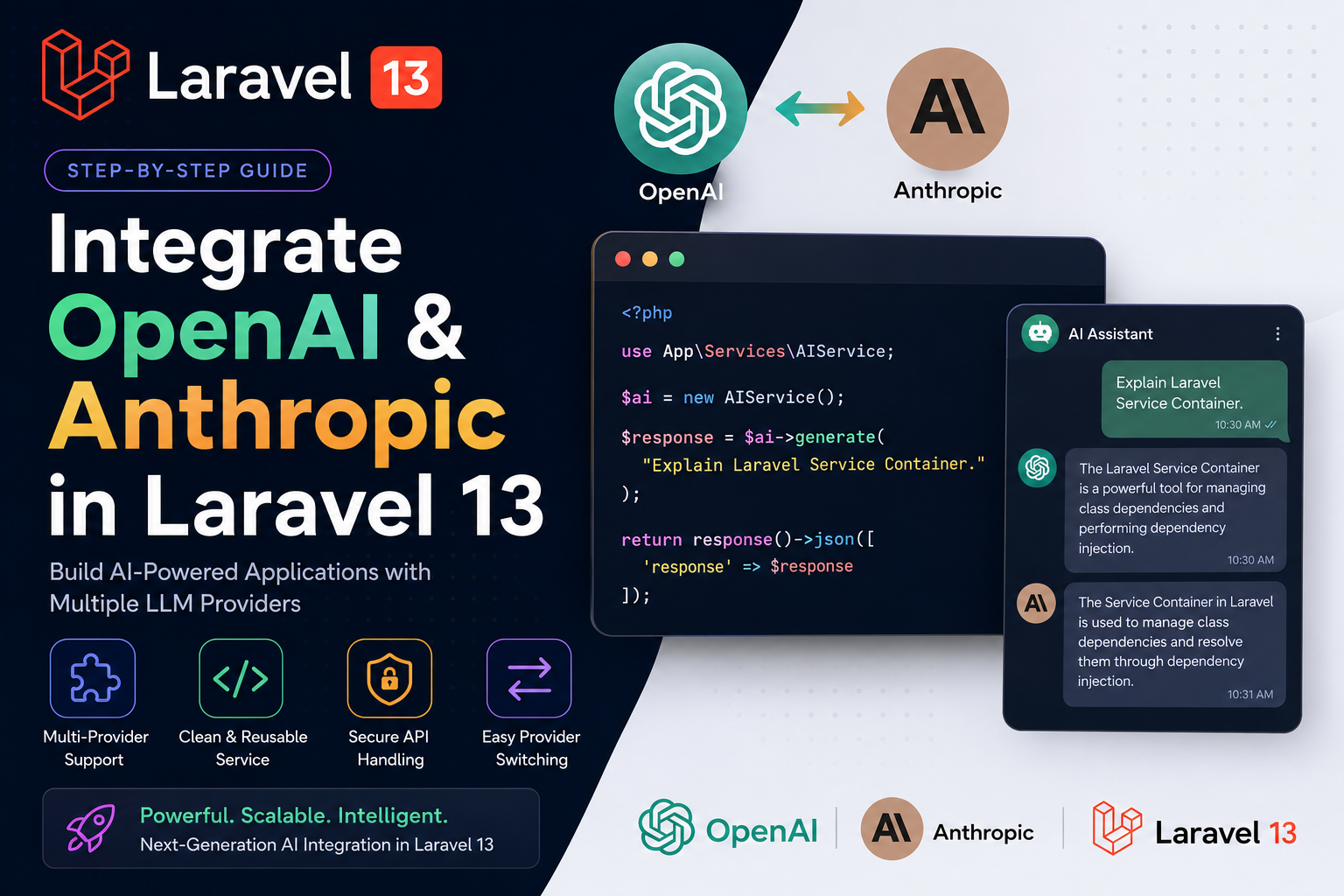
Integrate OpenAI and Anthropic in Laravel 13
Artificial Intelligence is rapidly becoming a core feature of modern web applications. Instead of relying on a single AI provider, many production applications now integrate multiple Large Language Models (LLMs) to improve reliability, reduce costs, and choose the best model for each task.
Laravel 13 makes this process straightforward with its clean service architecture, HTTP client, dependency injection, configuration management, and environment variables.
In this guide, we'll build a reusable AI service capable of communicating with both OpenAI GPT and Anthropic Claude, allowing your application to switch providers with minimal code changes.
Why Integrate Multiple AI Providers?
Using multiple AI providers offers several advantages:
- High availability with automatic provider fallback
- Better cost optimisation
- Access to specialised models
- Reduced vendor lock-in
- Compare responses from different LLMs
- Future-proof AI architecture
- Better performance for different workloads
For example:
- GPT-5.5 for code generation
- Claude for long-document analysis
- Different providers for different pricing requirements
Prerequisites
Before starting, you'll need:
- Laravel 13
- PHP 8.3+
- Composer
- OpenAI API Key
- Anthropic API Key
Configuration
Create a configuration file.
// config/ai.php

return [

    'provider' => env('AI_PROVIDER', 'openai'),

    'openai' => [
        'key' => env('OPENAI_API_KEY'),
        'model' => 'gpt-5.5',
    ],

    'anthropic' => [
        'key' => env('ANTHROPIC_API_KEY'),
        'model' => 'claude-sonnet-4',
    ],

];
AI Service Example
Laravel's service layer keeps AI integrations clean and reusable.
namespace App\Services;

use Illuminate\Support\Facades\Http;

class AIService
{
    public function generate(string $prompt)
    {
        return config('ai.provider') === 'openai'
            ? $this->openai($prompt)
            : $this->anthropic($prompt);
    }

    protected function openai($prompt)
    {
        return Http::withToken(config('ai.openai.key'))
            ->post('https://api.openai.com/v1/responses', [
                'model' => config('ai.openai.model'),
                'input' => $prompt,
            ])
            ->json();
    }

    protected function anthropic($prompt)
    {
        return Http::withHeaders([
            'x-api-key' => config('ai.anthropic.key'),
            'anthropic-version' => '2023-06-01',
        ])
        ->post('https://api.anthropic.com/v1/messages', [
            'model' => config('ai.anthropic.model'),
            'max_tokens' => 1000,
            'messages' => [
                [
                    'role' => 'user',
                    'content' => $prompt,
                ]
            ]
        ])
        ->json();
    }
}
Using the Service
use App\Services\AIService;

public function generate(AIService $ai)
{
    return $ai->generate(
        "Explain Laravel Service Container"
    );
}
Benefits of This Architecture
Instead of scattering API calls throughout controllers, all AI communication is centralised.
Advantages include:
- Cleaner controllers
- Easier testing
- Provider switching without changing business logic
- Better scalability
- Centralised error handling
- Reusable across the entire application