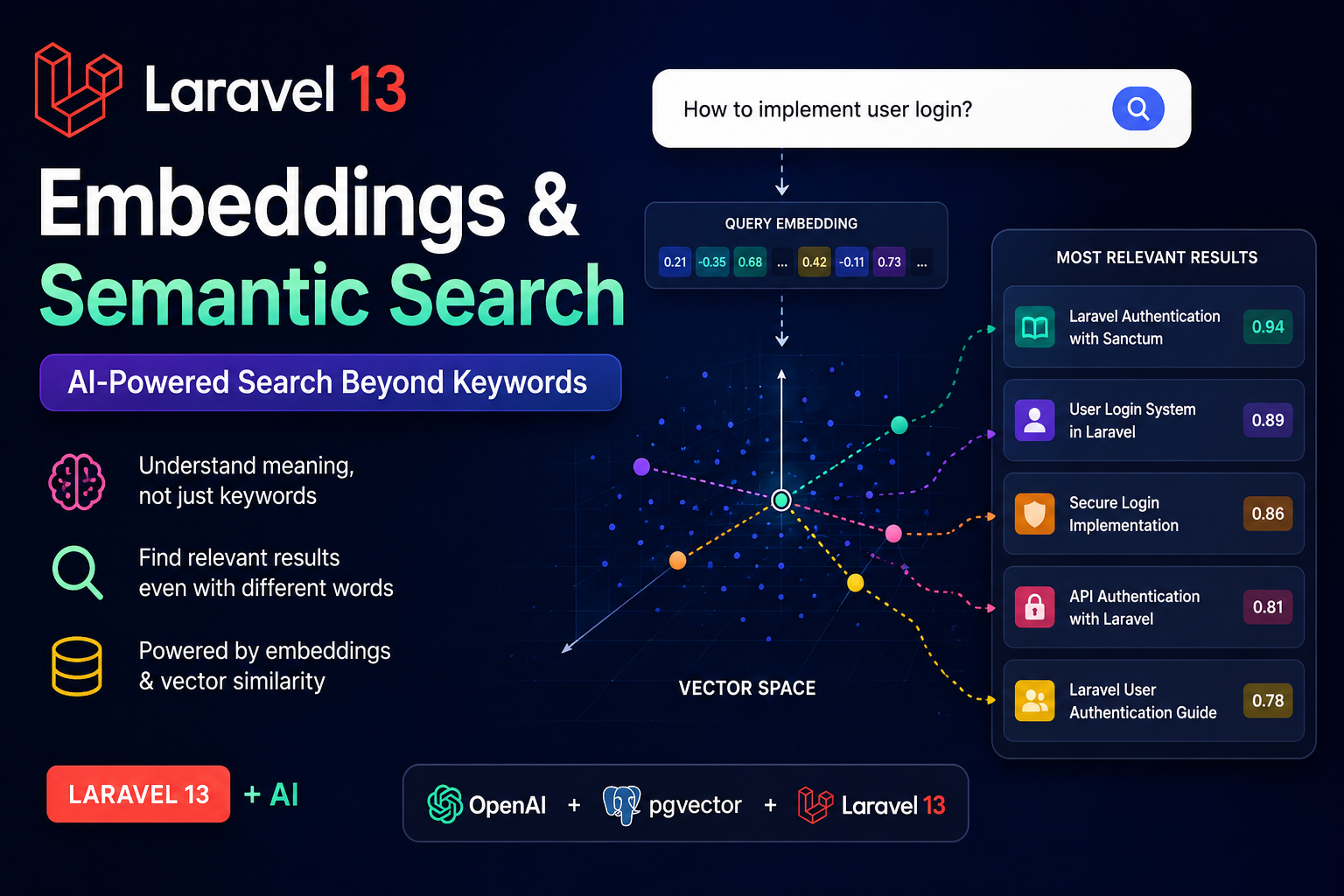
As applications grow, users expect search to understand what they mean—not just the exact words they type. Traditional database searches using SQL LIKE or full-text indexes work well for keyword matching, but they often fail when users use different words with the same meaning.
For example, imagine your application contains an article titled:
"Laravel Authentication with Sanctum"
A user searches for:
"How can I implement user login?"
Although both refer to the same concept, a traditional keyword search may not return the article because the words "authentication" and "login" are different.
This is where Semantic Search comes in.
Semantic search understands the meaning behind text rather than simply matching keywords. By using embeddings, AI converts text into numerical vectors, allowing your application to find content that is semantically similar—even when the wording is completely different.
In this article, you'll learn what embeddings are, how semantic search works, and how to build an AI-powered search feature in Laravel 13.
What Are Embeddings?
An embedding is a numerical representation of text generated by an AI model.
Instead of storing only plain text, AI converts the content into hundreds or thousands of floating-point numbers.
For example:
"Laravel Authentication"
↓
[0.145, -0.321, 0.842, -0.102, ...]
Although these numbers don't mean much to humans, they allow AI models to understand the meaning of the content.
Sentences with similar meanings produce vectors that are mathematically close together.
Examples:
- Laravel Authentication
- User Login
- Secure Sign In
- Login System
Even though these phrases use different words, their embeddings are highly similar.
How Semantic Search Works
The process consists of five simple steps.
- Store your content.
- Generate embeddings for each document.
- Save the embedding vectors.
- Generate an embedding for the user's query.
- Compare vectors and return the closest matches.
Article
    │
Generate Embedding
    │
Store Vector
    │
────────────────────
User Search
    │
Generate Query Embedding
    │
Compare Vectors
    │
Return Best Results